Tutorials

Buyer User:
As a buyer, you will have access to all posts once you have registered and verified.
You can click here to log in, or click here to register our member.
Before begin,You need to check the activity email you just received, copy the activity link, enter the activation page, and activity your account.
Top Navigation: You can access all classified posts on this site through the top navigation bar.
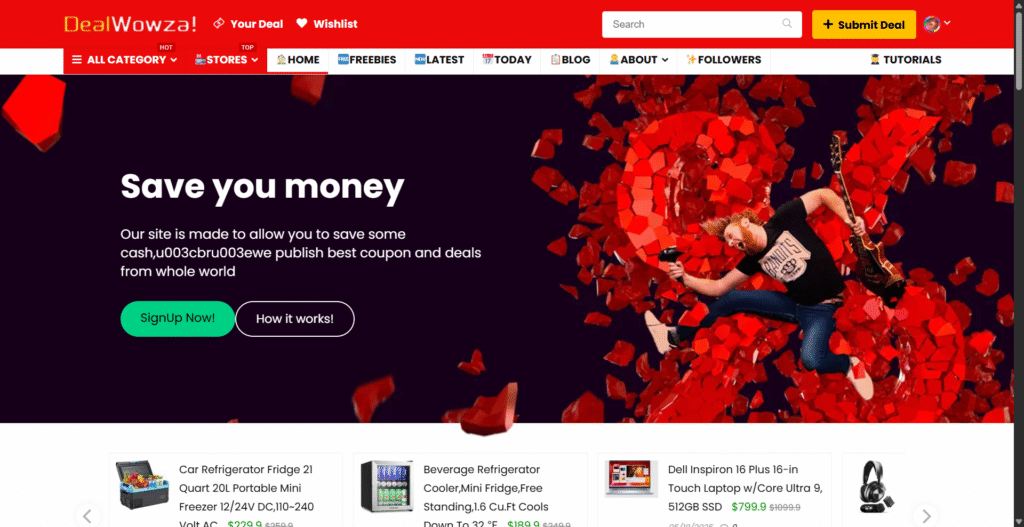
All Categories: Access all categories through all Categories pages:
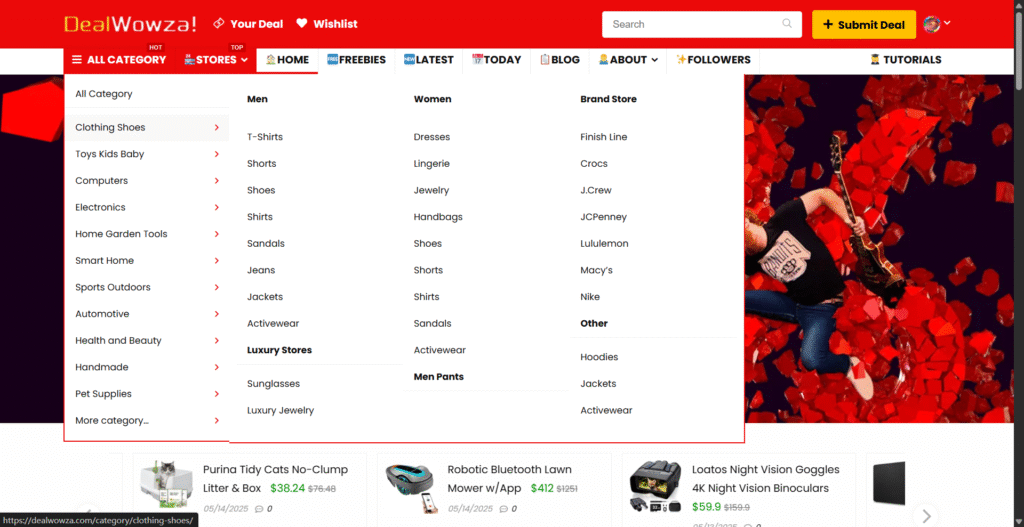
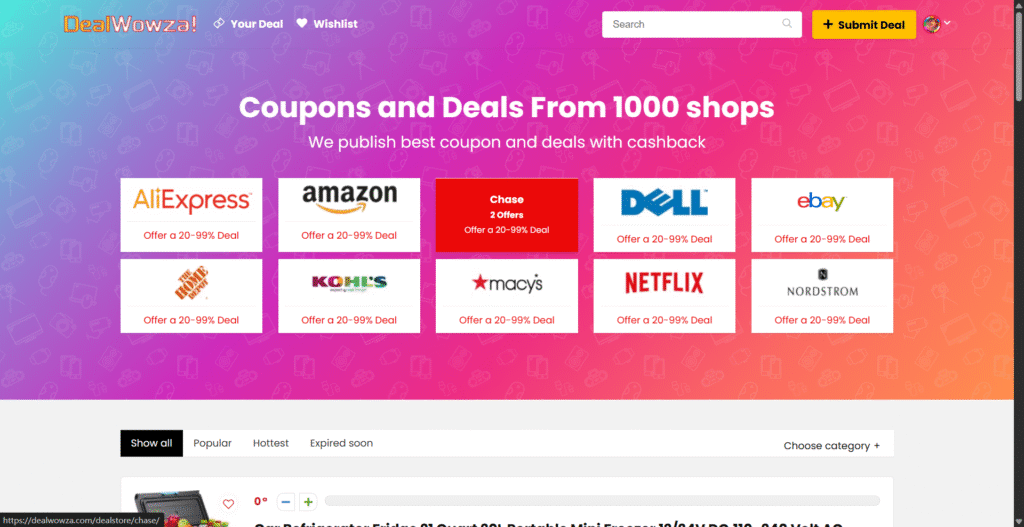
All Stores: Access all platforms and stores via All Stores page:
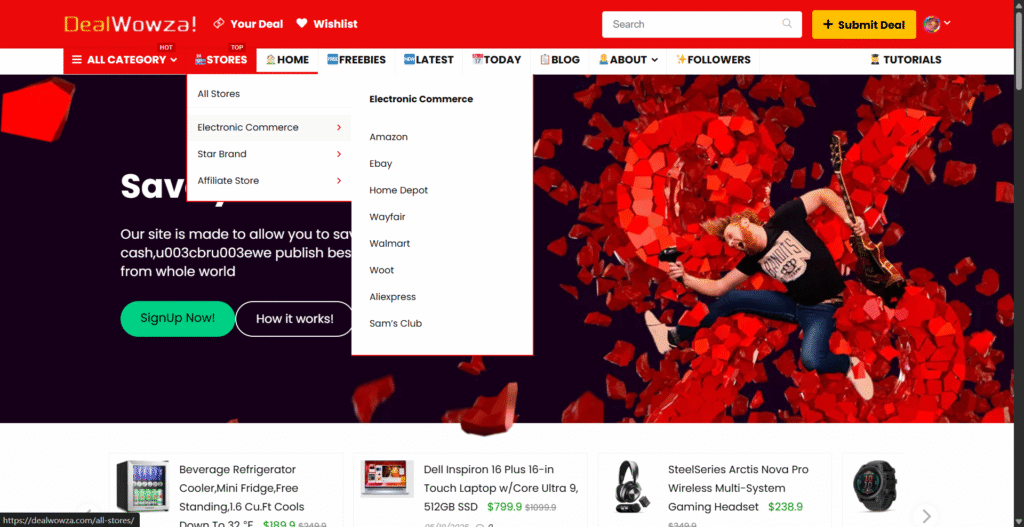
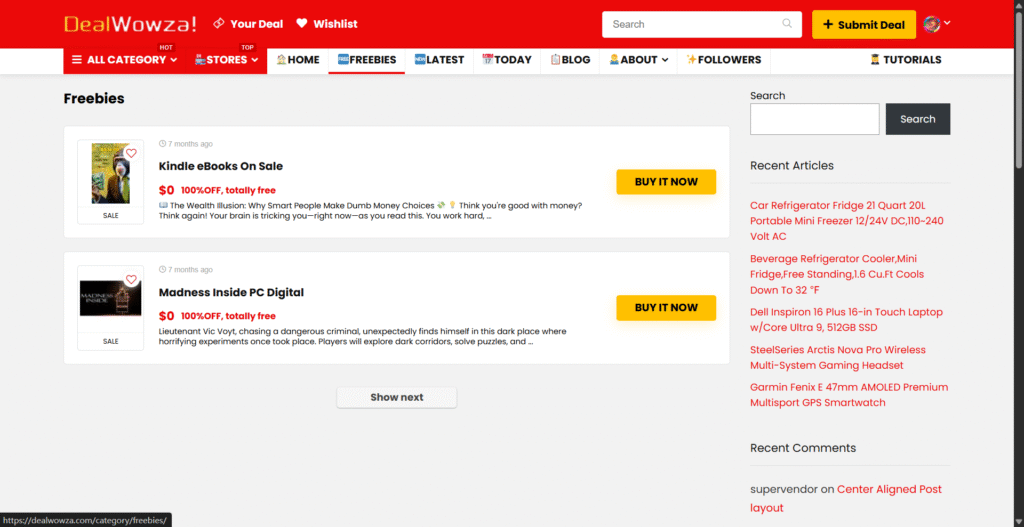
Free Page: Click here to visit our free page: Here are all the items from our merchants that you can get for free (other areas offer 20-99%OFF).
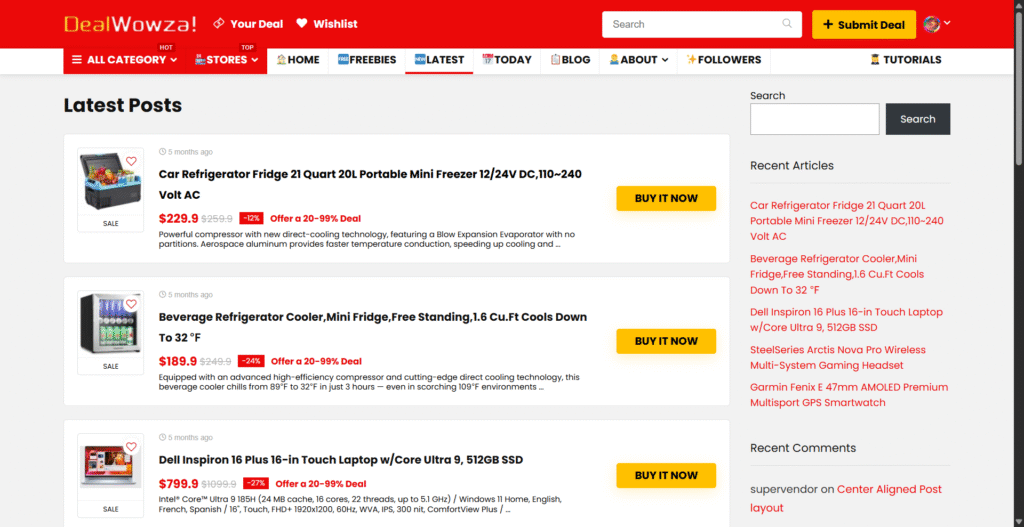
Latest Posts: Click here to visit our latest Posts subpage:
Today’s Offers: Click here to visit our Today’s offers page:
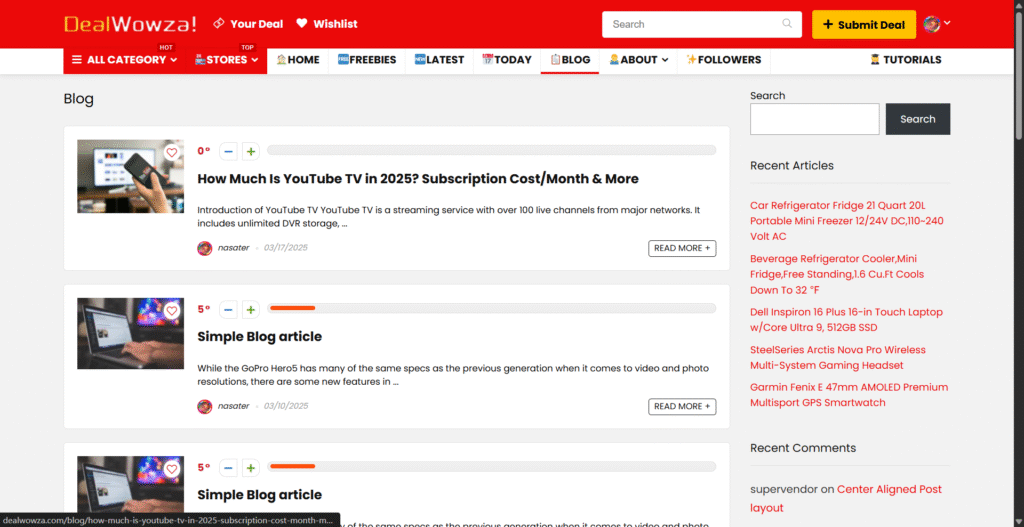
Blog Page: Click here to visit our blog page: Here are some of the user policies, instructions and knowledge sharing content of this site.
Seller User:
As a seller, you can buy all the products on this site. If you want to publish your offers and promotions on this site, please contribute to us in the following ways:
You can click here to log in, or click here to register our member.
Before begin,You need to check the activity email you just received, copy the activity link, enter the activation page, and activity your account.
Click here to post your post and submit it to us. Once it passes our manual review, your post will be displayed on all front pages.
Add Post Steps:
Add title: Add your title (maximum 268 characters).
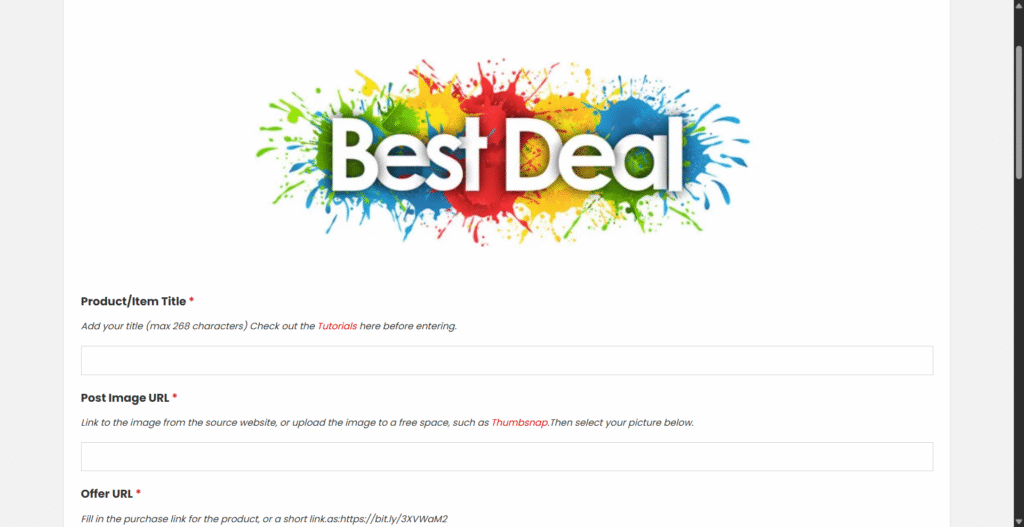
Add media: Add your image/video link (uploading images/videos directly is not supported yet, you can visit Thumbsnap and post your image/video link here) .
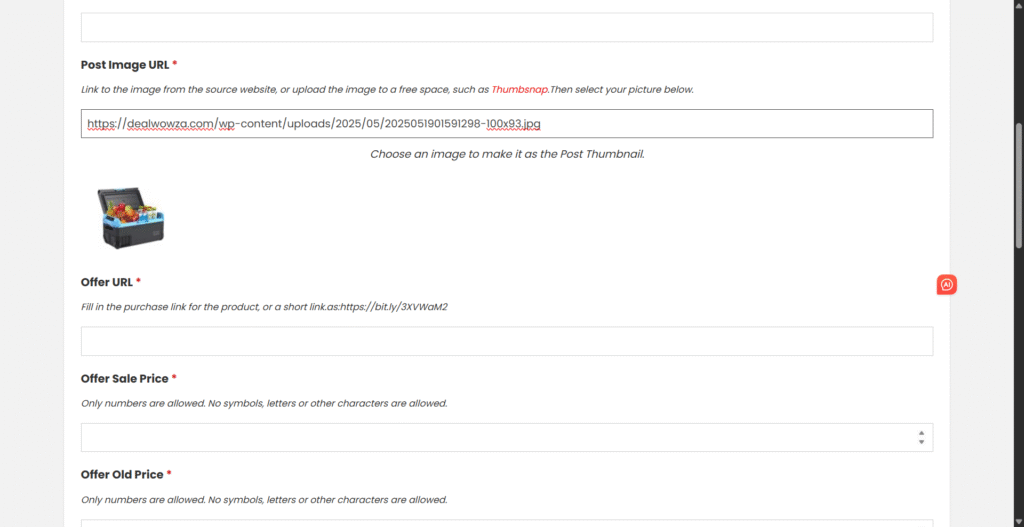
Buy URL: Buy links for your offers and promotions.
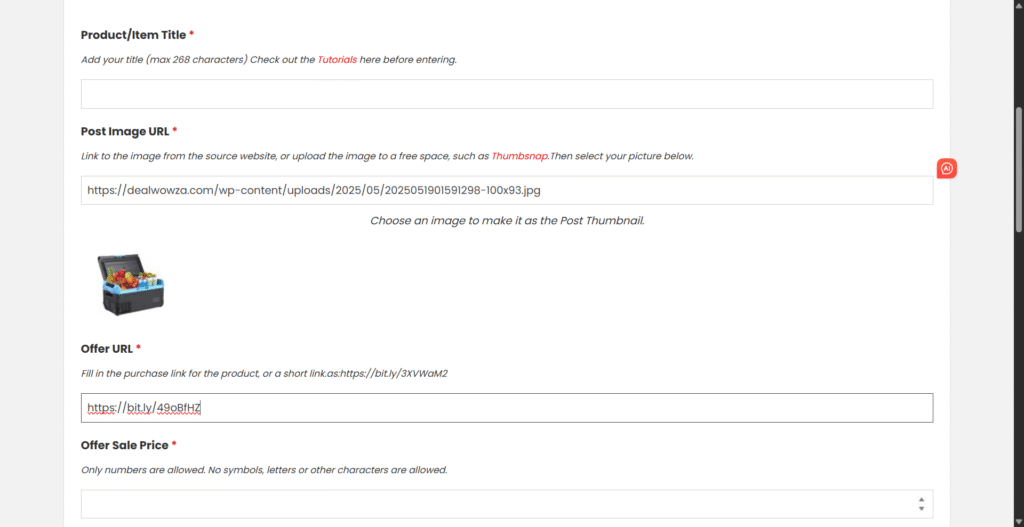
Deal price: The Deal/Coupon/Promotion price of the item (Please enter the final transaction price,no need to fill in currency symbols or other characters, just enter your price, in numerical form).
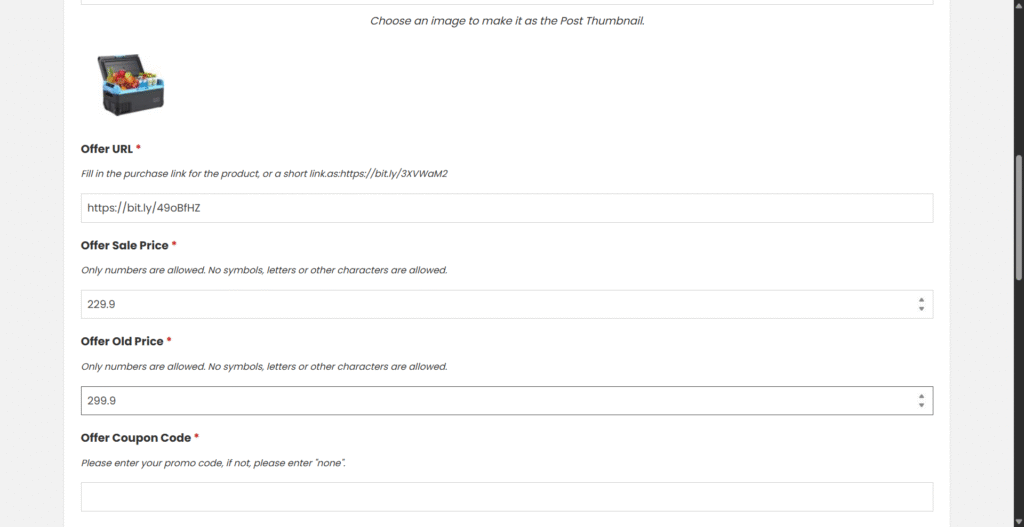
It can be in Reduce the price or Deal/Coupon/Promotion, please make sure that the OFF is between 20-99%. If your OFF is 100%, please select “Freebies” when selecting a category below.
Original price: The original price of the item (no need to fill in currency symbols or other characters, just enter your price, in numeric form).
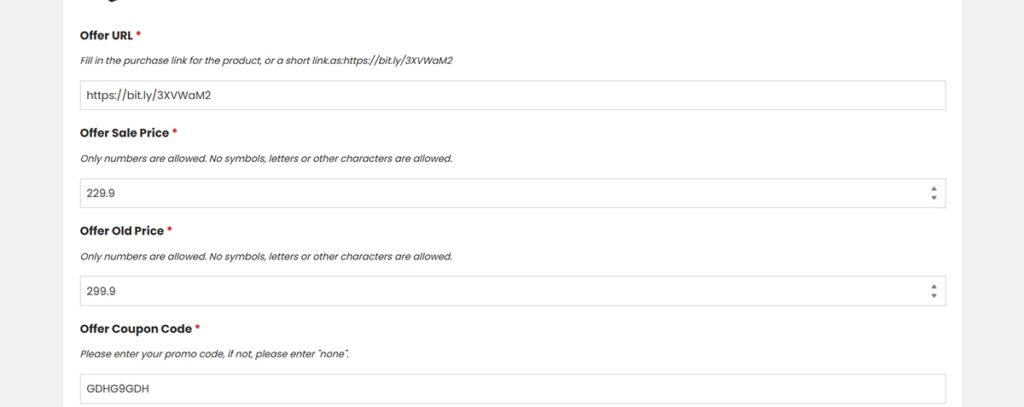
Deal Code: The promo code of the Product/Item (if available, please enter it. If there is no promo code, please fill in “no”).
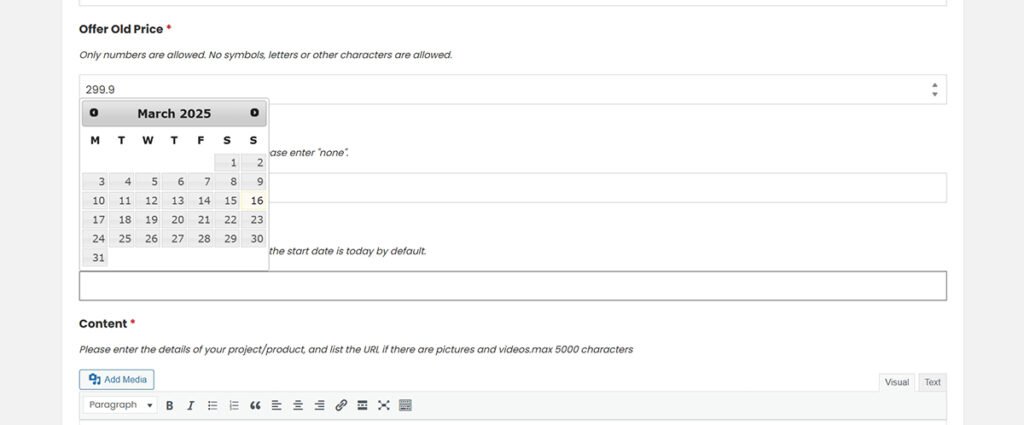
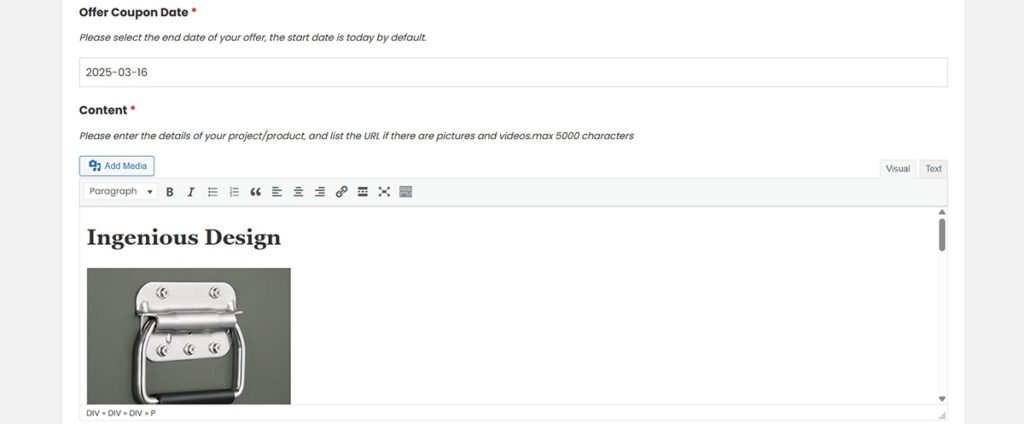
End Date: Please select the end date of the Product/Item (Start Japan defaults to the time you post today, so please make sure your offer is in effect before Posting this).
Description: Please enter the details of your post, including description, product features, features, etc.
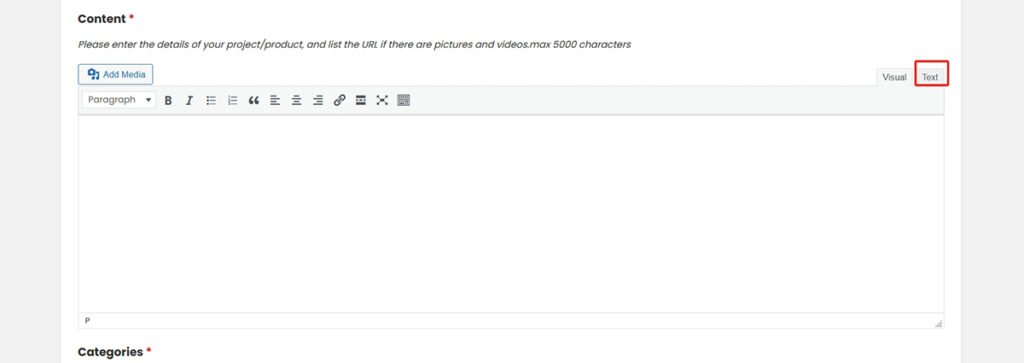
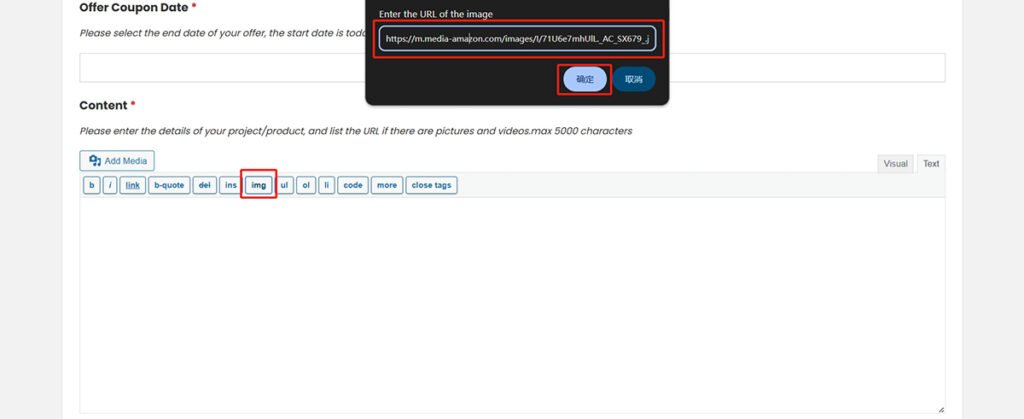
If a picture is involved, please add it in the following format:
Add Product/Item image:
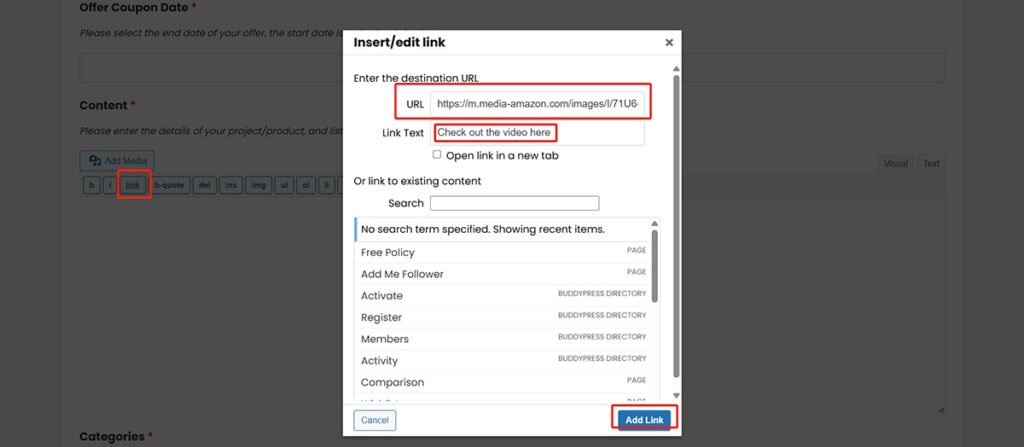
Add Product/Item video:
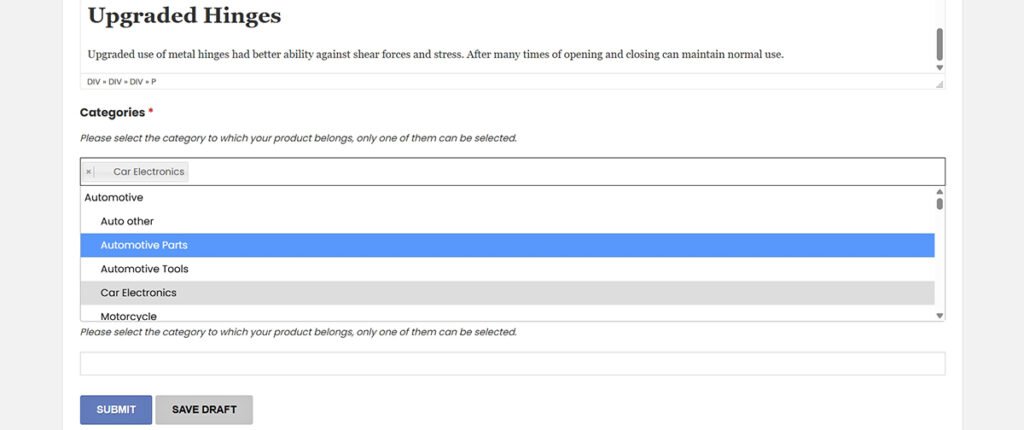
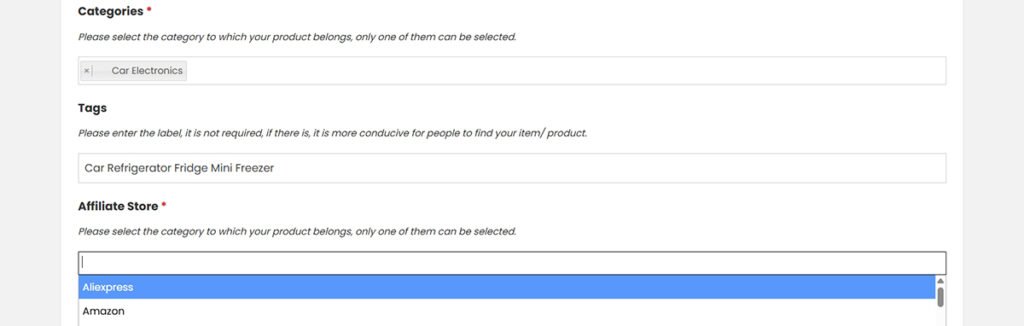
Add Category: Please select the category of your Product/Item, you can only select one of them that is closest to your category.
Add Tags: Please enter the label of your Product/Item, it is not required, but if you fill in the label, it is more conducive for people to find you.
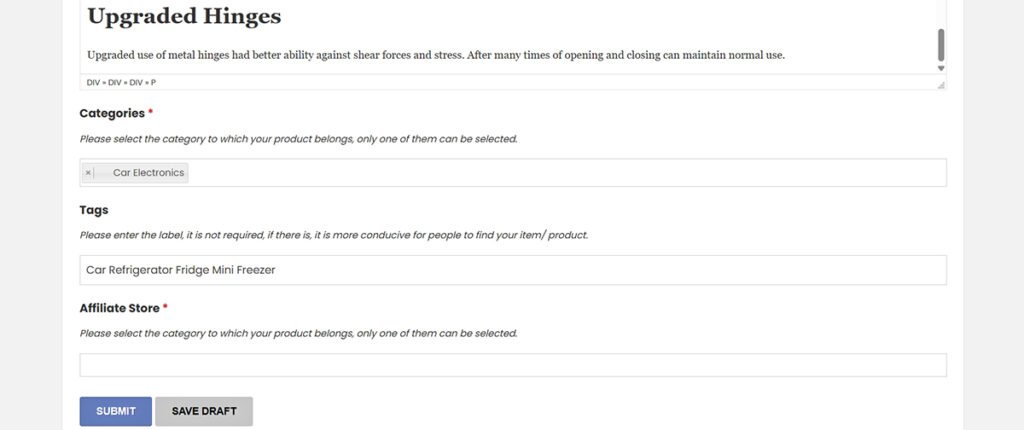
Select Store: Please select the store for your Product/Item, if you can’t find it, select “Other Store”.
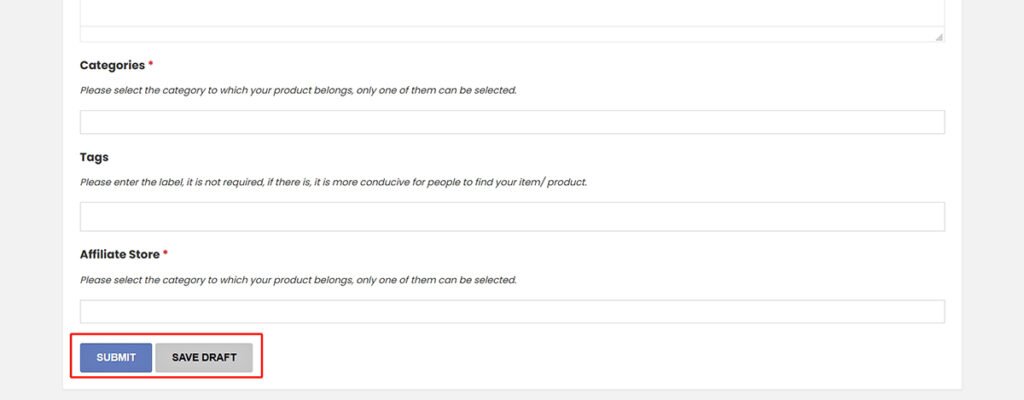
Click Submit: Click Submit your Product/Item.
Anyone:
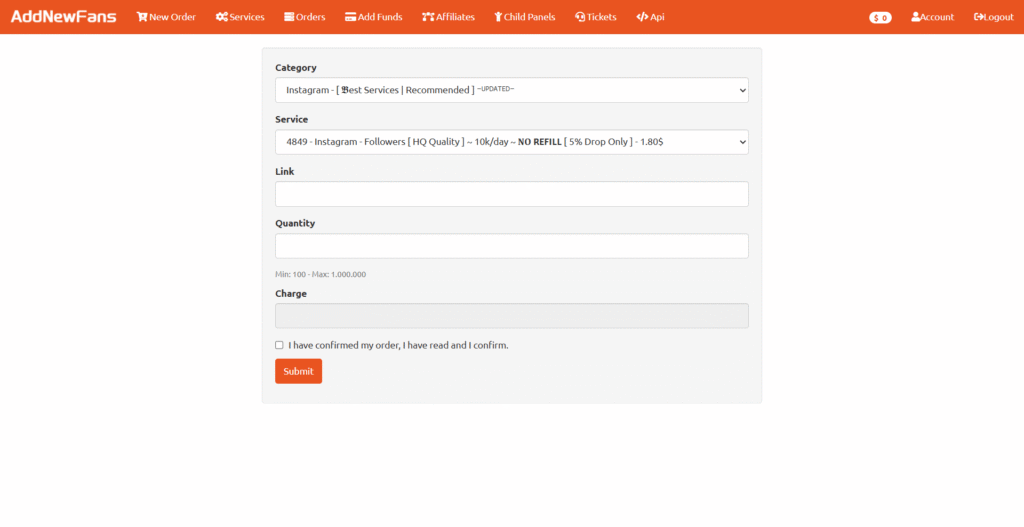
Add Follower: All registered members of this site can visit our Add Follower page, ask for your needs, and contact us.
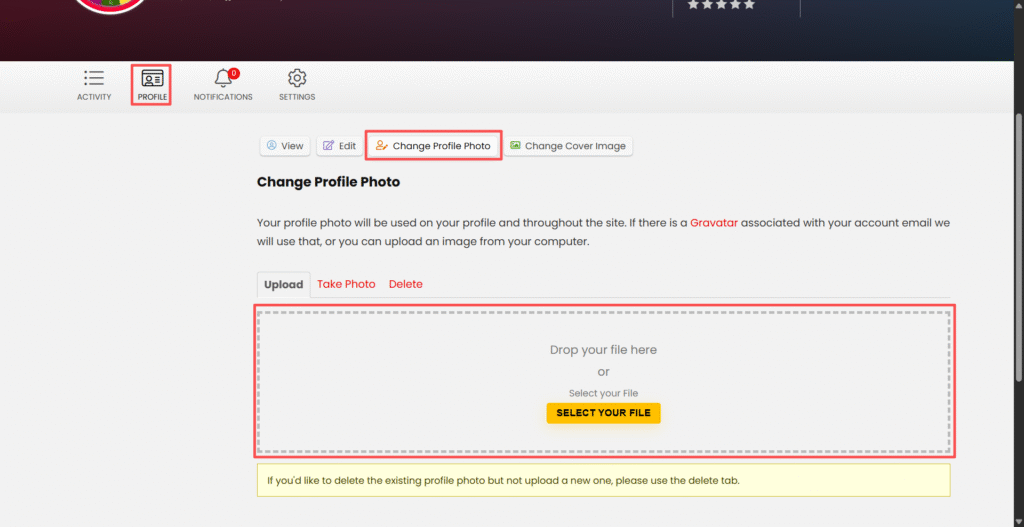
How to change your avatar on this site:
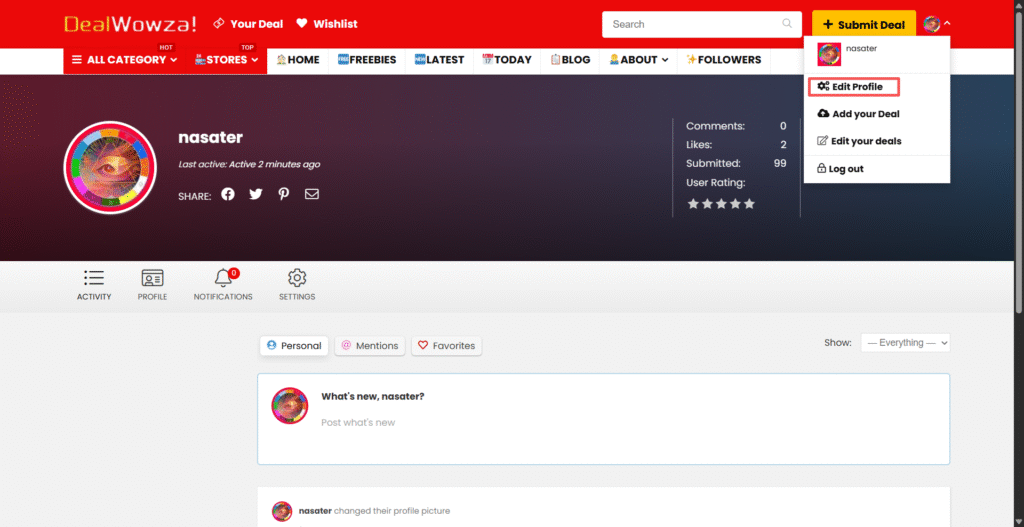
After Log in,Click here to go to the Edit Profile page.
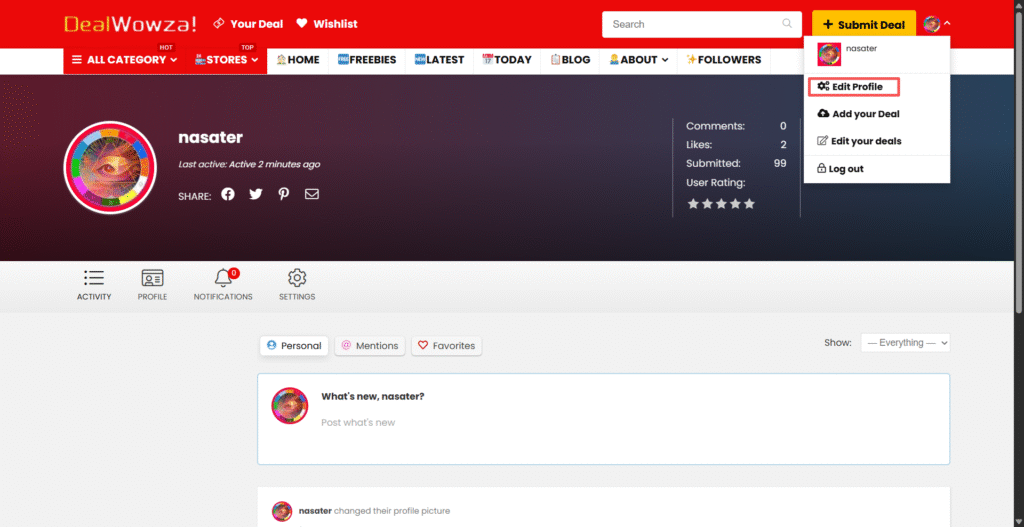
Click here to go to the Edit Profile page.